
You have an evening to organize, a shop opening to announce, or a yoga class to promote. The first instinct: create a flyer. The good news is that several online tools let you produce a polished design without spending a penny. The not-so-good news is that the result depends just as much on your layout choices as on the tool itself.
Bleed and export: what free tools won’t take care of for you
Most free platforms offer templates in standard sizes (A5, A6, postcard size). Add your text, adjust the colors, and the flyer looks ready. But if you plan to print it, one technical detail makes all the difference: you need to allow for bleed before finalizing the design.
Bleed is extra space around your design. It allows the printer to trim the paper without leaving a white edge. If your background image ends exactly at the final size, you risk a visible misalignment after trimming.
Before you even open a design tool, get your printer’s template. Every provider has its own requirements for size, resolution, and color profile. A file exported in RGB (the color mode used by screens) won’t produce the same shades as one in CMYK (the color mode used for printing). Check the export format your printer requires before approving anything.
Some platforms handle these settings automatically through their built-in print options. If you’re using an external printer, keep text and logos well clear of the trim area to avoid any nasty surprises.
To explore layout techniques and create a flyer online for free with a polished finish, choosing the right tool matters less than preparing the file properly.

Choose a free flyer design tool based on what you actually need
Canva, Adobe Express, Canva again: articles on the subject go round in circles. Rather than listing ten platforms, let’s focus on what really sets them apart.
If you’re starting from scratch with graphic design
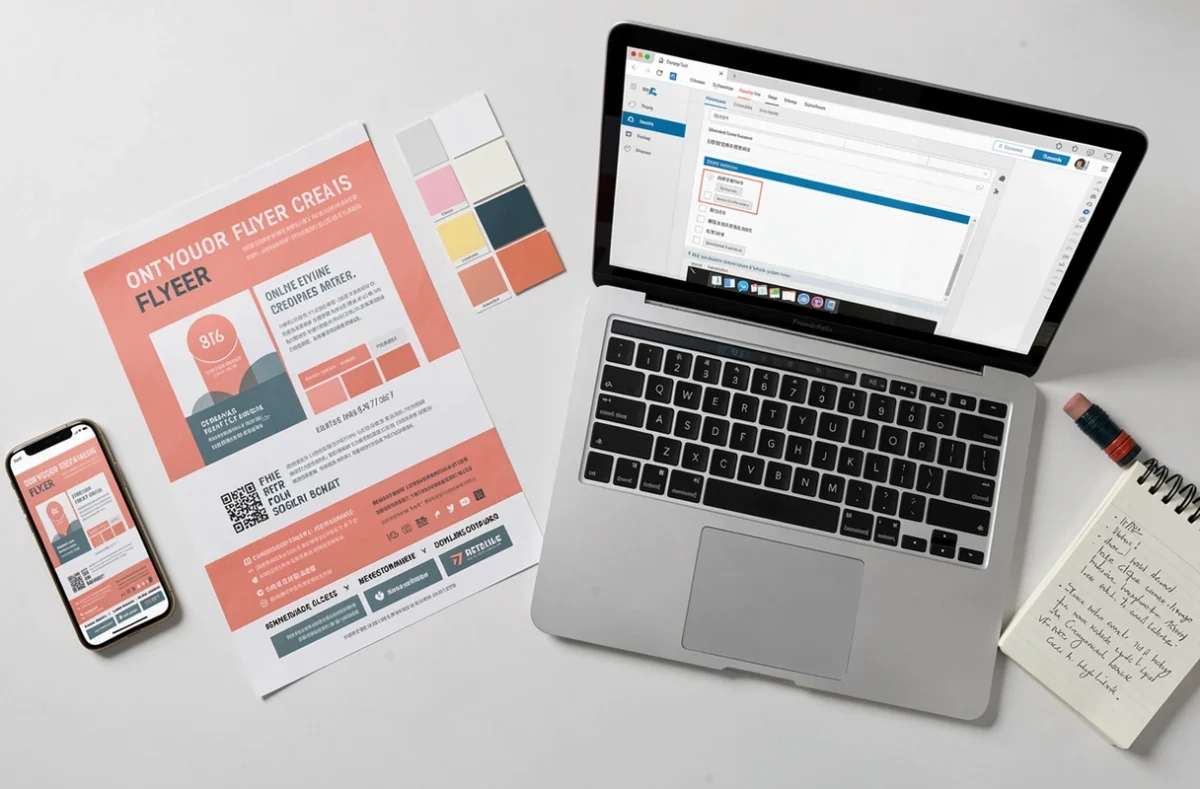
Online editors like Canva or Adobe Express use drag-and-drop controls. Choose a template, replace the text and images, and you’ll get a cohesive result. A well-chosen template goes a long way toward making up for a lack of design skills.
These tools include libraries of photos, icons, and fonts. The free version is enough for a one-off flyer. You’ll run into limitations when you need a specific font or precise background removal.
If you need typographic control
Scribus, a free, open-source program you install on your computer, offers features similar to those of professional page-layout software. You can manage crop marks, bleed, and color profiles directly in the program. The interface takes time to learn, but the level of control is in a different league from an online editor.
If the flyer is going to be 100% digital
For a flyer shared only on social media or by email, print requirements no longer apply. Export it as a PNG or a lightweight PDF, at a resolution suited to screens. File size matters: an image that’s too large will take longer to load on mobile.
Writing flyer copy: fewer words, more impact
The design catches the eye. The copy prompts action. An effective flyer strikes a balance between the two, and most mistakes come from the copy, not the design.
You have just a few seconds to grab the attention of someone holding your flyer. Three elements are all you need:
- A short headline that announces the benefit or event, not the name of your organization. “Free trial class Saturday, March 15” works better than “Bourg-en-Bresse Sports Association.”
- A block of practical information: date, location, time, and contact details. Easy to read at a glance, with no searching required.
- A clear call to action: “Reserve your spot,” “Scan the QR code,” “Call…”. Without this line, the flyer informs but doesn’t convert.
Avoid filling every square inch. Empty space guides the eye to the information that matters. A flyer crammed with text looks like a supermarket leaflet, not polished marketing material.
Distributing printed flyers: the “Stop Pub” rule you should know
You’ve created your flyer, sent it to print, and plan to distribute it through letterboxes. Before you get started, there’s one regulation worth knowing about.
In France, the “Stop Pub” scheme prohibits leaving advertising materials in letterboxes displaying this sticker. A “Oui Pub” trial, conducted in several pilot areas, ended on April 30, 2025. Since May 1, 2025, the “Stop Pub” rules have once again applied nationwide.
In practice, if you’re distributing commercial flyers, you must respect the stickers on letterboxes. Political leaflets and certain non-commercial materials are subject to different rules, but for a standard promotional flyer, the rule is clear.
This is no minor detail. Ignoring a “Stop Pub” sticker can damage your business’s reputation among the very neighbors you’re trying to attract. Opt for targeted distribution (events, partner venues, reception desks) rather than dropping flyers into letterboxes en masse.
A well-designed flyer, printed properly and distributed in the right place, remains a remarkably tangible marketing tool. It doesn’t disappear with the next scroll. To make it work, preparing the file, choosing the right words, and following distribution rules matter just as much as the design template you select.